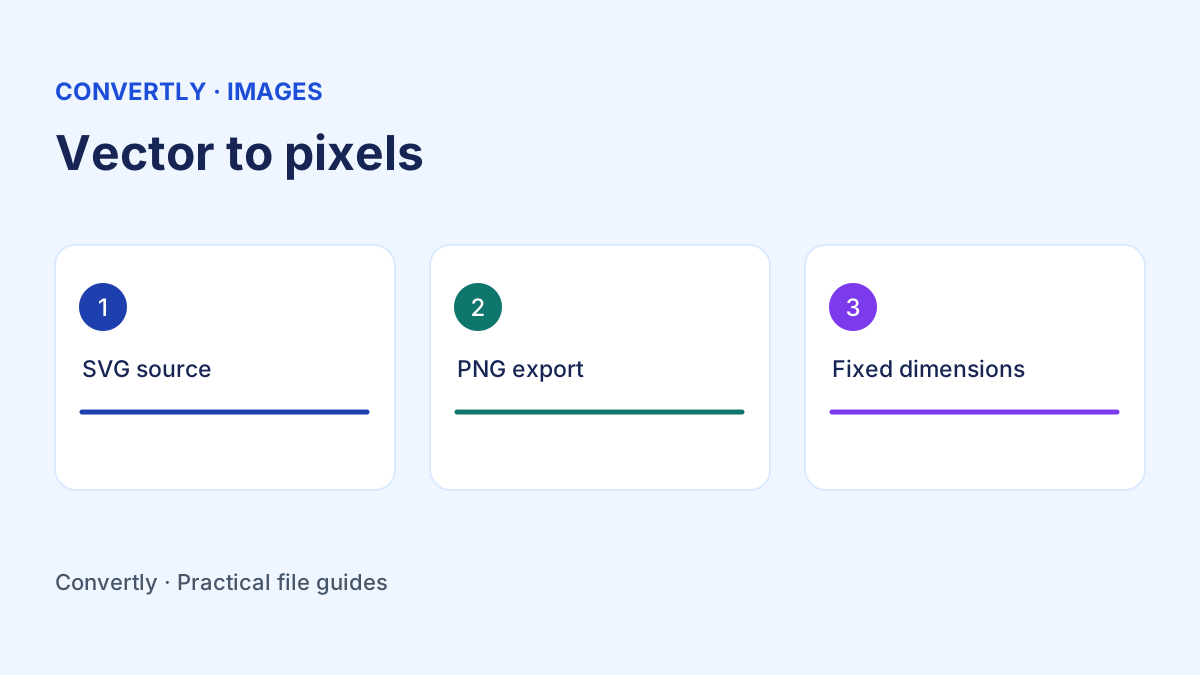
How to Convert SVG to PNG With a Transparent Background
Export an SVG as a PNG, choose dimensions, and check transparency before sharing.
Read the guide → Convertly
Guides to file formats, smarter conversions and everyday file tasks.
Export an SVG as a PNG, choose dimensions, and check transparency before sharing.
Read the guide →Convert PNG to WebP, compare quality and size, and verify transparency on your page.
Read the guide →Turn a short MP4 excerpt into a GIF, pick the timing and check the loop and file size.
Read the guide →Cut an MP3 or WAV excerpt by entering a start and duration, then verify the saved audio.
Read the guide →Package photos, PDFs or other files into one ZIP and check that the archive extracts correctly.
Read the guide →Convert JPG to PNG correctly, understand transparency, preserve your original and check the exported image before using it.
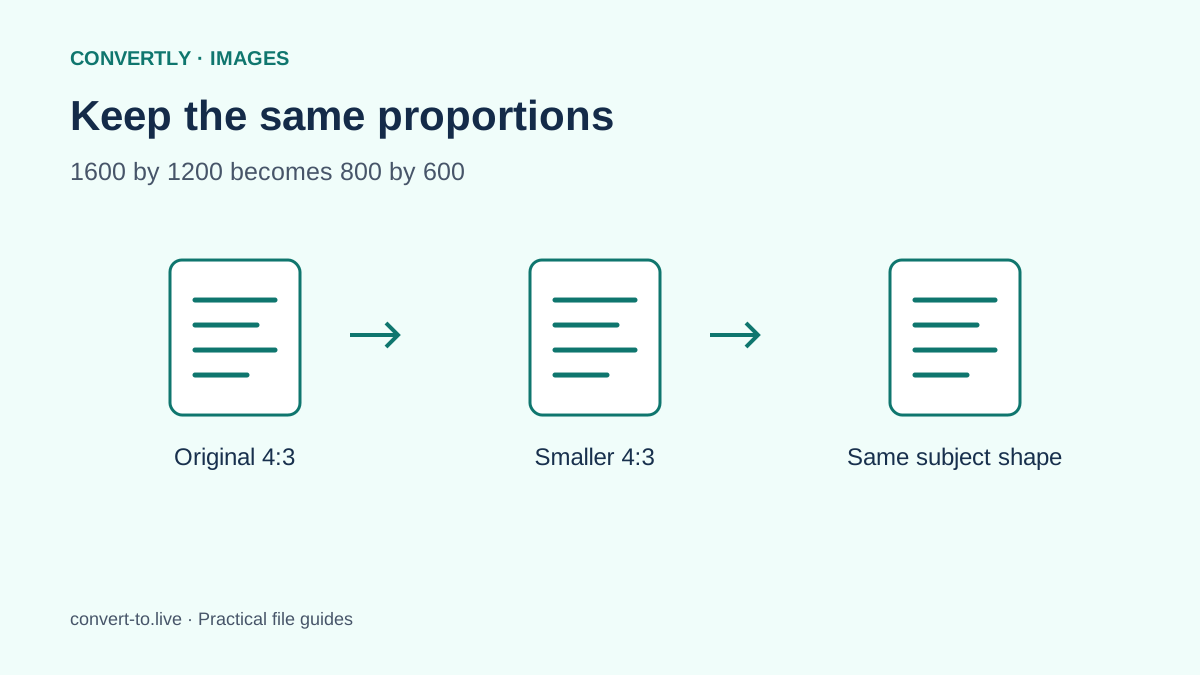
Read the guide →Resize an image proportionally, calculate dimensions and distinguish resizing from cropping without stretching the picture.
Read the guide →Turn image files into PDFs, combine them in order and check page size, readability and missing pages before sharing.
Read the guide →Learn the difference between rotating a view and saving PDF page rotation, with clear steps and checks for mixed-orientation files.
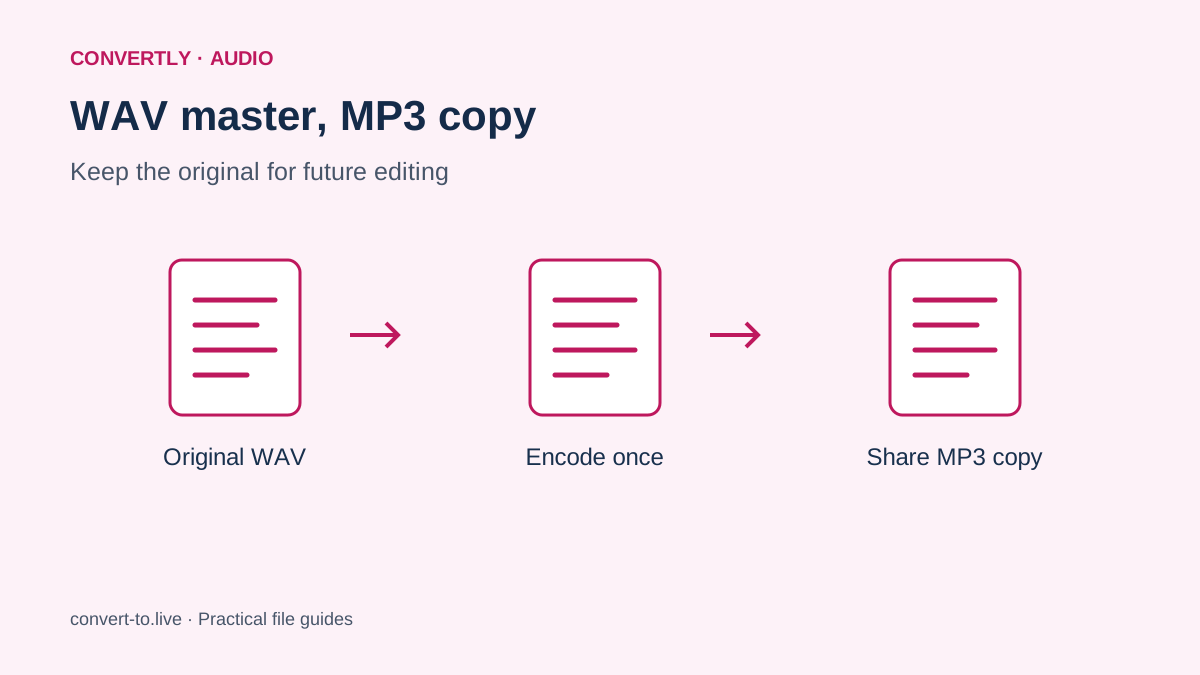
Read the guide →Convert WAV to MP3, understand bitrate and file size, and compare the exported sound while keeping your original recording.
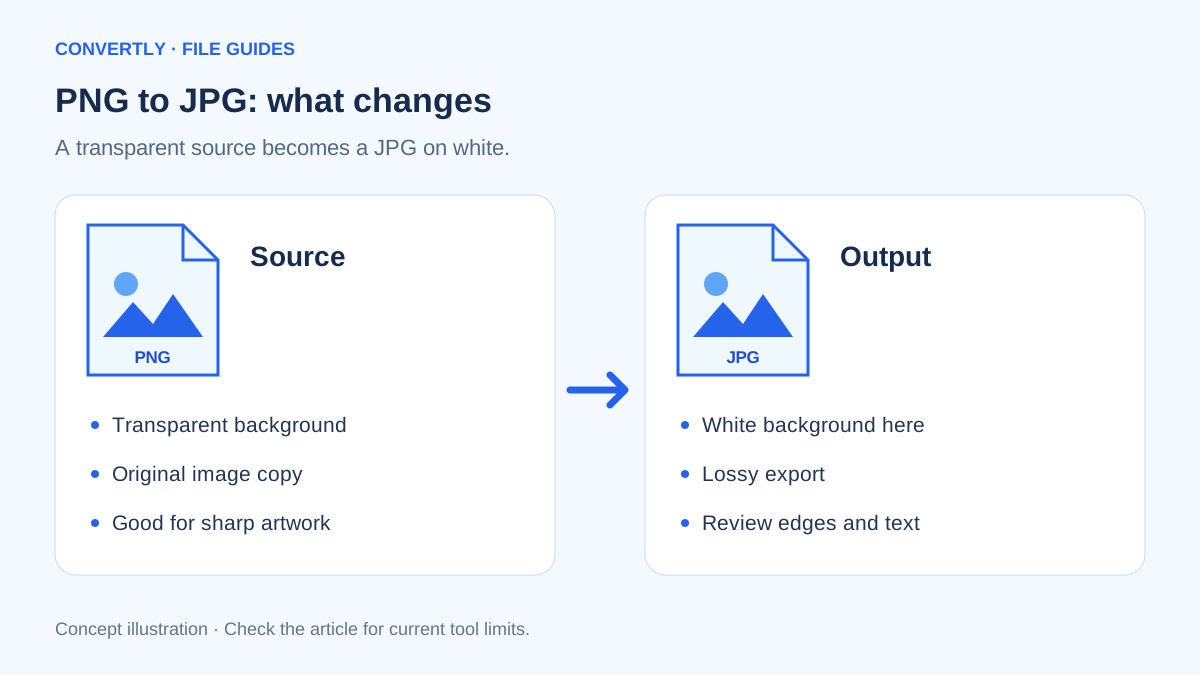
Read the guide →Learn how to convert PNG to JPG, handle transparent backgrounds, choose image quality and check the result before sharing.
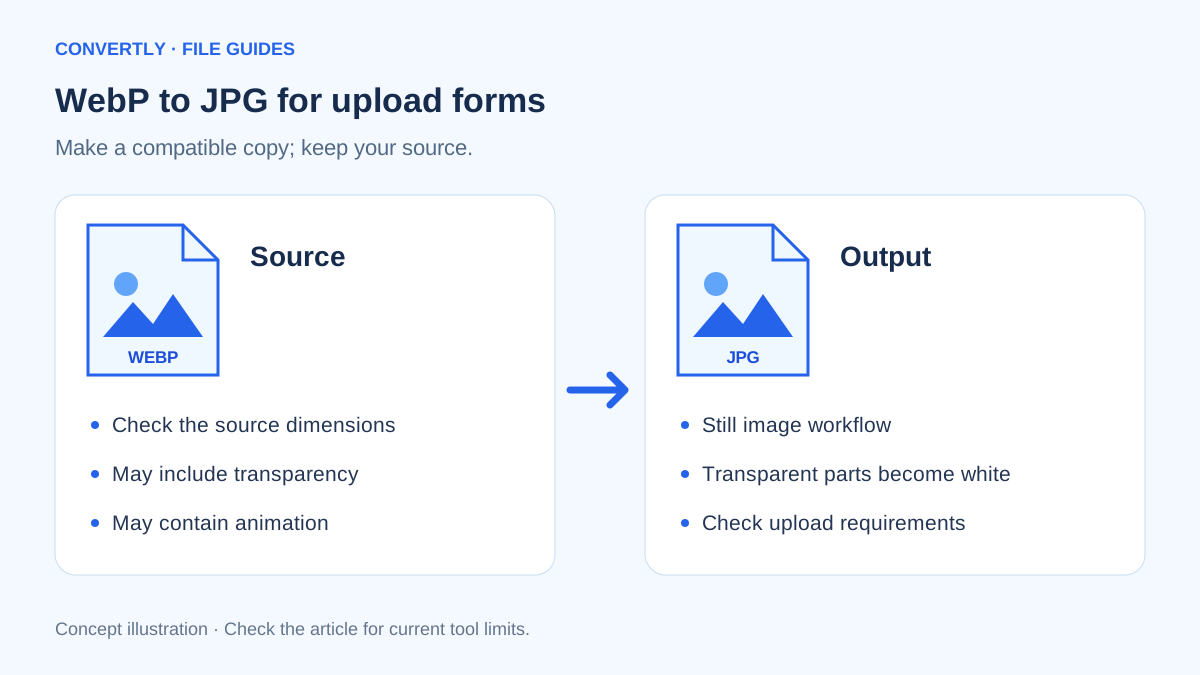
Read the guide →Convert a WebP picture to JPG for a form or app, with practical checks for transparency, animation and image dimensions.
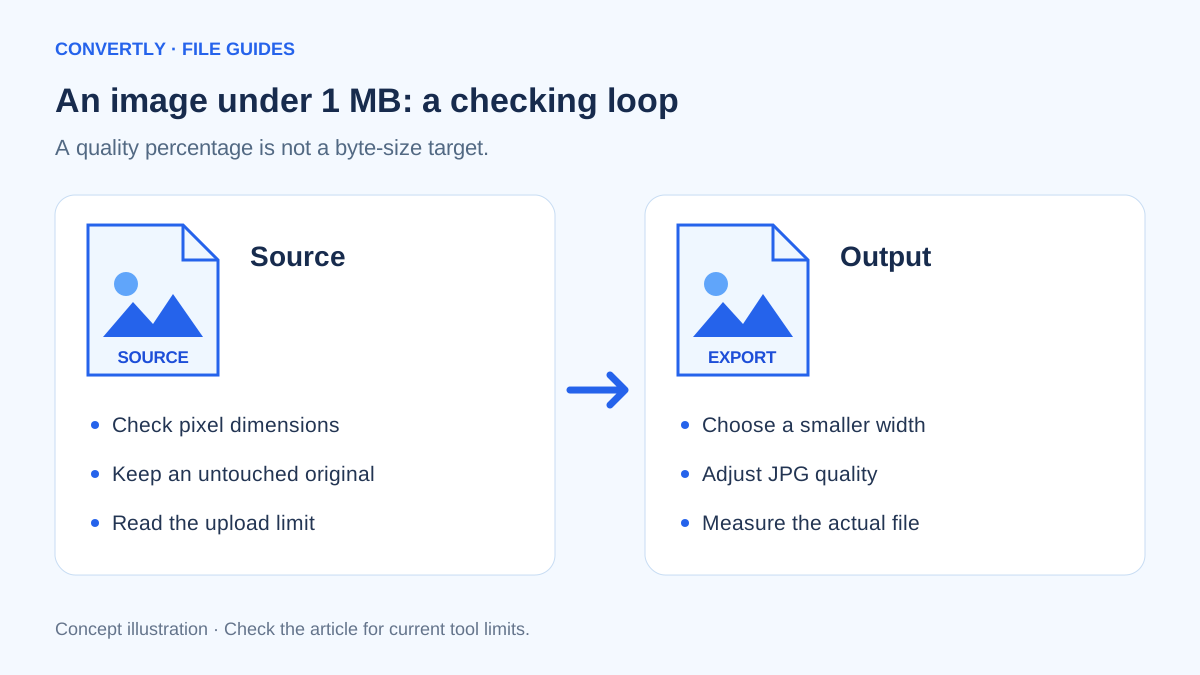
Read the guide →A practical workflow for reducing image dimensions and quality to fit a 1 MB upload limit without guessing the final file size.
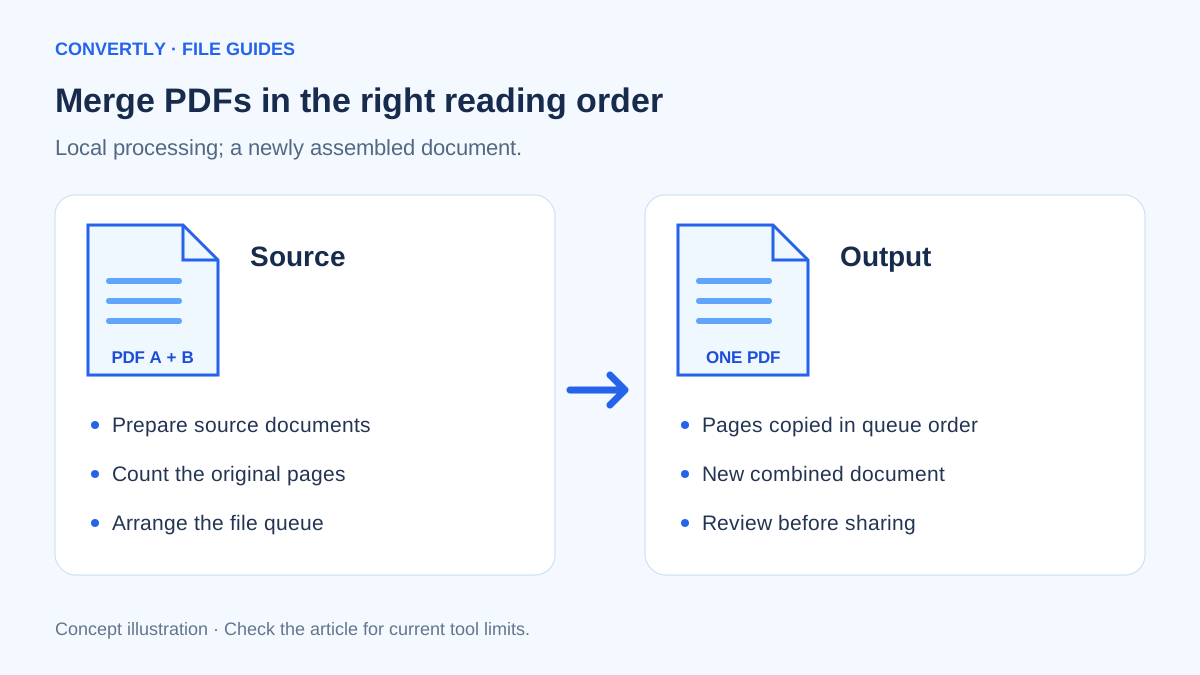
Read the guide →Combine PDFs locally in your browser, control their reading order and check page counts without sending conversion files to a server.
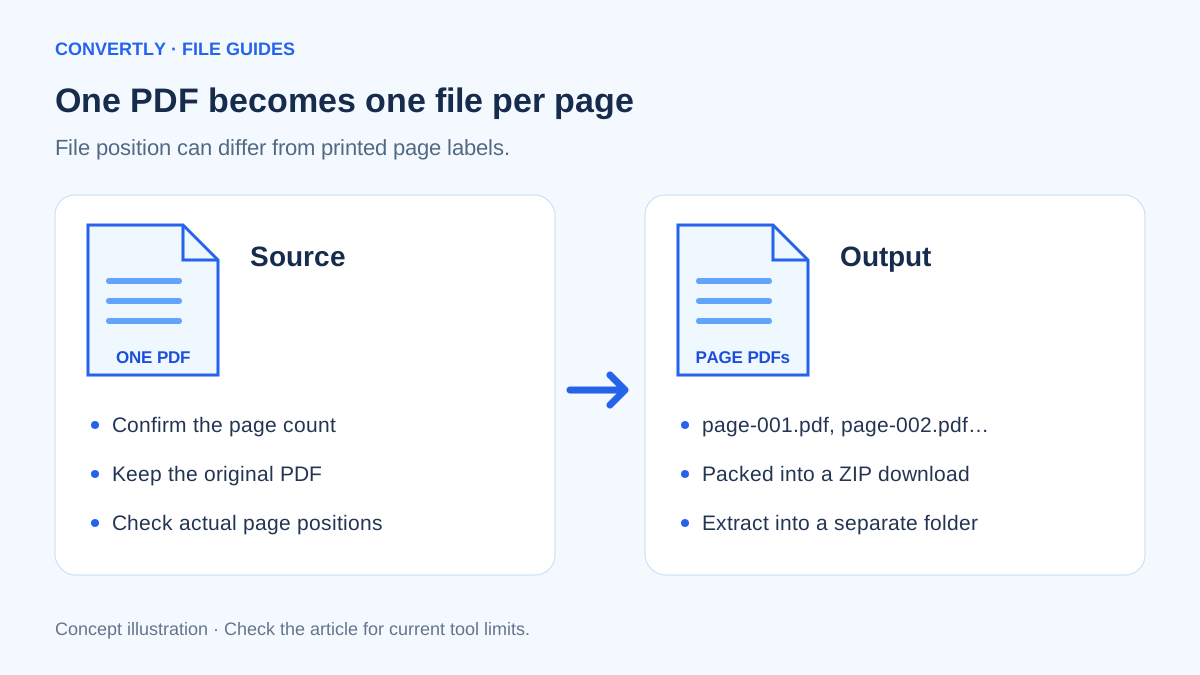
Read the guide →Split a multi-page PDF into individual page files, understand the ZIP download and check your results before sending them.
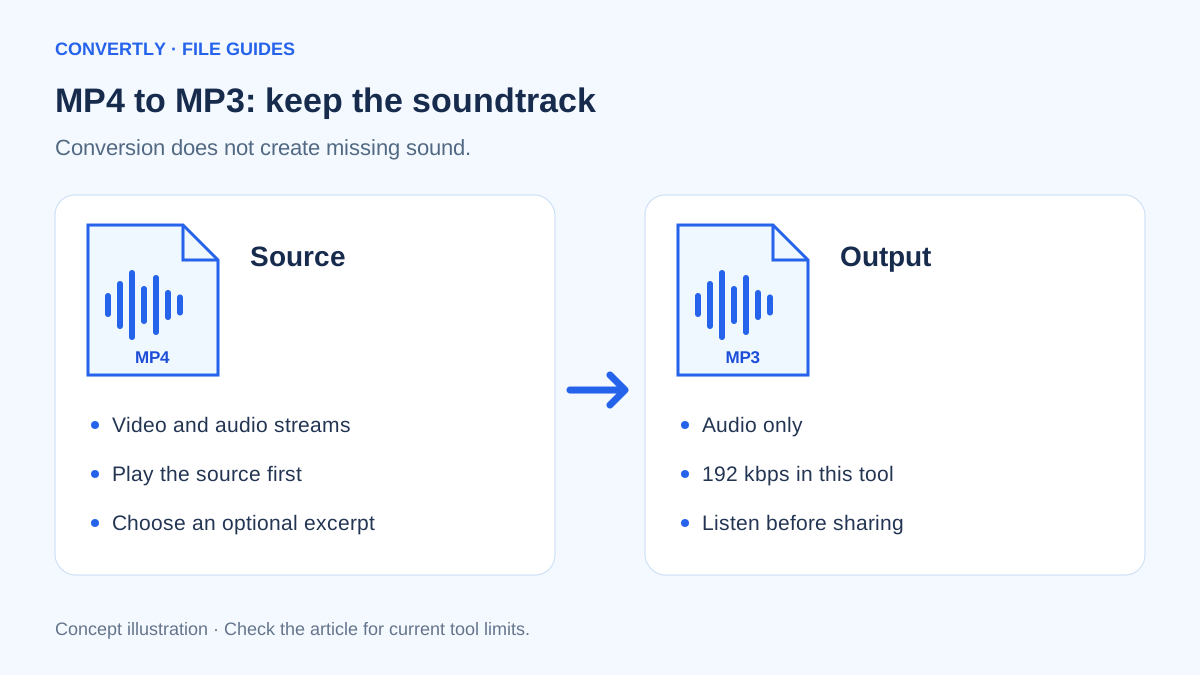
Read the guide →Extract an MP3 from your own MP4 video, trim a section and understand audio quality, missing tracks and browser limits.
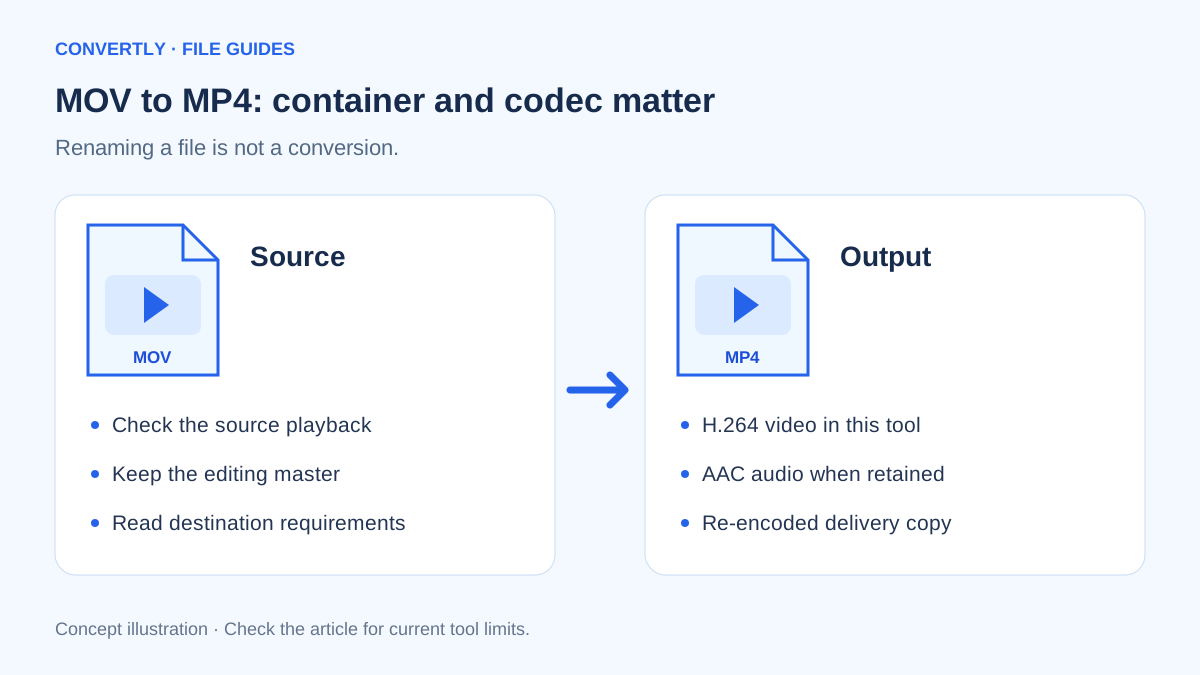
Read the guide →Convert a MOV recording to MP4, understand container versus codec differences and check picture, sound and orientation.
Read the guide →