 Convert
How Do You Convert an MP4 Video to MP3 Audio?
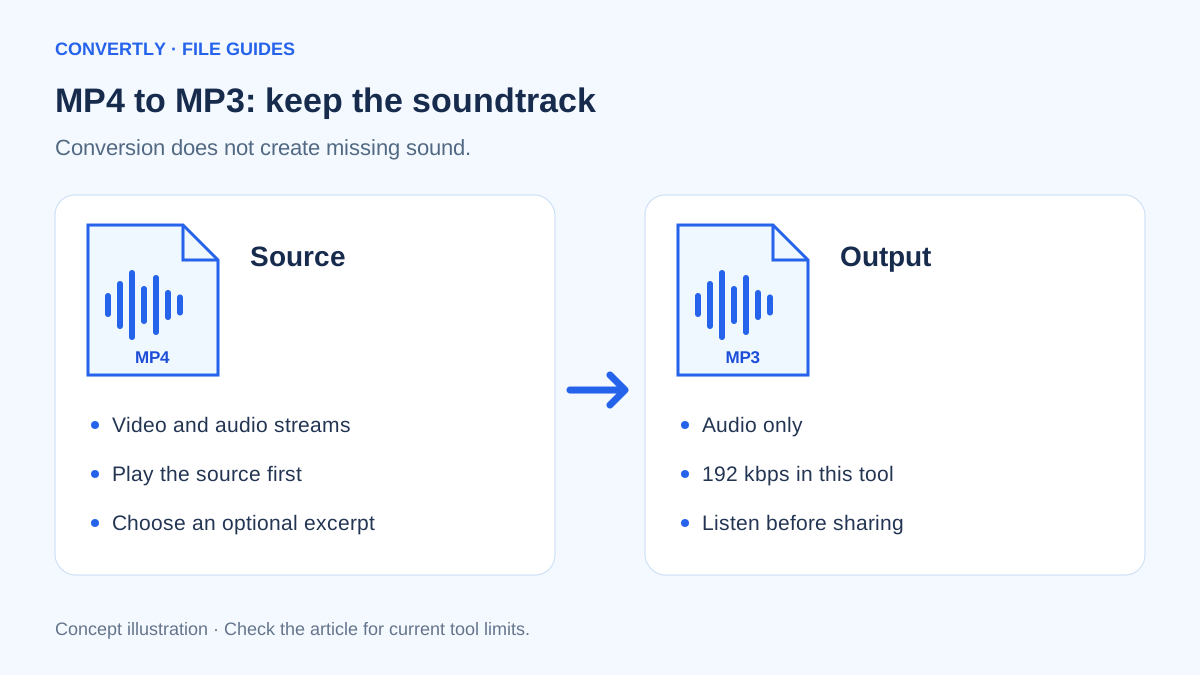
To turn an MP4 into an MP3, a converter reads the video's audio track and encodes a separate audio file. The picture is not included. This is useful for a recorded interview, a lecture you made or another video that you own or have permission to process.
Start by playing the source. If the recording has no audible soundtrack, converting it to MP3 will not create one. Captions and visible words in a video are also not automatically turned into speech.
Create an MP3 with Convertly
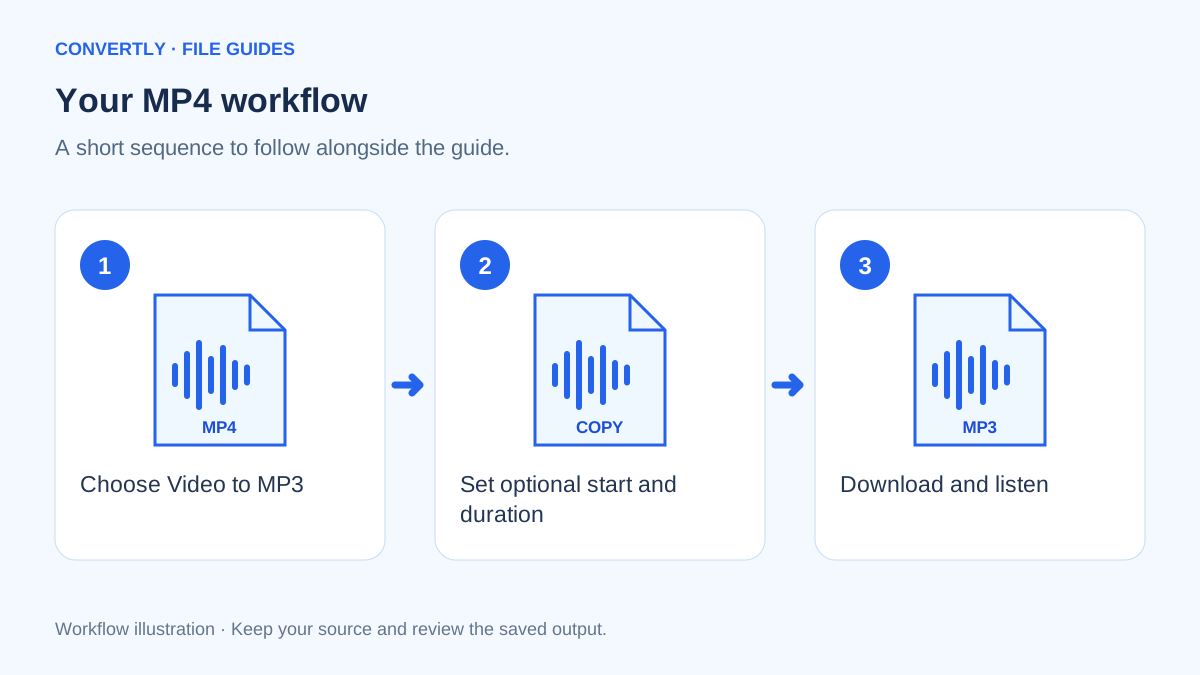
- Select Video to MP3 in the converter's audio tools.
- Choose an MP4 file from your device and confirm that MP3 is selected in the output dropdown.
- If you need only a section, open Advanced settings. Enter the start position in seconds and, optionally, the duration.
- Start the conversion and leave the page open while it works.
- Download the MP3 and play it in a separate audio application.
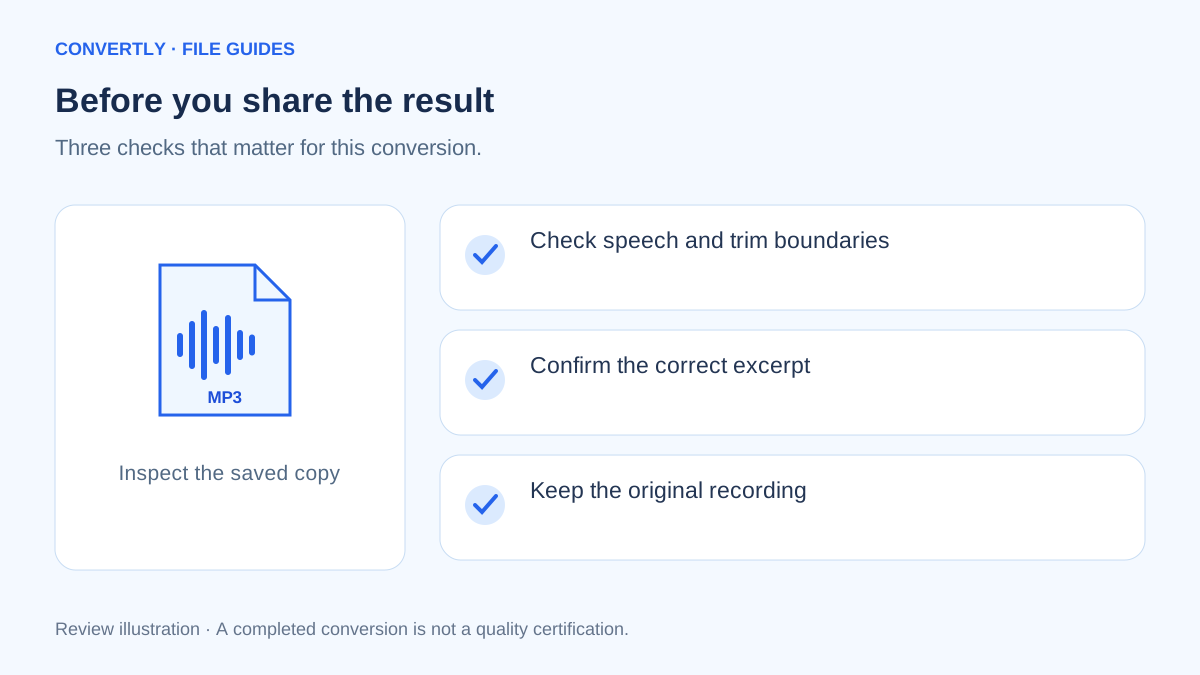
- Check the beginning, end and a few points in the middle before sharing it.
The first media conversion downloads the browser media engine, approximately 32 MB in this implementation. Loading that engine is different from uploading your source video. Conversion itself takes place on your device.
What quality should you expect?
Convertly currently encodes MP3 output at 192 kbps. The image-quality slider does not change this audio bitrate, and there is no adjustable MP3 bitrate control in the current interface. Judge the result by listening rather than assuming a larger bitrate always fixes a source.
MP3 is a lossy format. Encoding an existing compressed soundtrack again cannot improve its original detail. For a rough recording, background noise, clipping or distant speech will remain. Keep the source if you may later need a different export.
How large might the MP3 be?
At a constant 192 kbps, ten minutes of encoded audio is approximately 14.4 MB before small container and metadata differences. The estimate comes from bitrate multiplied by duration: 192,000 bits per second × 600 seconds ÷ 8. It is an illustration, not a guarantee for every file.
Shortening the duration is the most direct size adjustment available in this tool. A five-minute selection should need less space than the same settings applied to an hour-long recording.
Why can conversion fail?
MP4 describes a container, not a promise about every codec inside it. A file may contain an audio encoding that the browser engine cannot decode, or it may be incomplete. Try playing the source and test a short known-good clip to distinguish a source problem from a general tool problem.
The current input limit is 100 MB per file, and device memory can impose a practical lower limit. Long recordings can be demanding on phones. For large jobs, use a suitable desktop application rather than repeatedly refreshing and losing progress.
Choose the section before encoding
If you only need an interview answer rather than the whole recording, note the desired start time and duration while playing the source. Convertly uses seconds for these controls. A position of two minutes and fifteen seconds is entered as 135, not as 2.15.
For an excerpt from that position lasting forty seconds, use Start 135 and Duration 40. These are example inputs, not a claim about a tested recording. Leave a little context around spoken sentences so that an excerpt does not cut off a word or change the meaning of the conversation.
Listen on more than one kind of speaker
After downloading, listen with headphones and, if relevant, the speaker or application your recipient will use. Check for abrupt starts, silence at the end, distorted loud sections and speech that is difficult to understand. A waveform or filename cannot tell you whether an interview remains intelligible.
Compare the output with the same section of the source at a sensible playback volume. Differences in the playback application's volume settings can be mistaken for changes introduced during conversion. If the original already clips or contains strong background noise, a format change alone will not repair that recording.
Understand audio size and duration together
A long video can produce a much smaller MP3 because the new file contains no picture, but the exact difference depends on the source. A mostly silent clip and a music recording can still use similar space when encoded at the same constant audio bitrate and duration.
If an email attachment limit is the problem, check the saved MP3's actual size. The current tool's most practical adjustment is to shorten the selection. It does not expose an audio bitrate slider, so repeatedly moving the Image quality control will not change the MP3 settings.
Keep source rights and private information in mind
Use recordings you own or have permission to process and share. Having a local video file does not automatically authorize every use of its soundtrack. For an interview, meeting or classroom recording, follow the permissions and privacy expectations that apply to the people involved.
Listen for details such as names, addresses or account information before sharing an excerpt. Convertly does not automatically remove spoken personal information, detect confidential content or check a recording's licensing. Those decisions remain part of preparing the material, separate from creating an MP3 file.
Organize an audio-only handoff
Give the output a descriptive filename that identifies the recording and the intended excerpt. If timing matters, include the source start position in accompanying notes. Store the MP3 next to a reference to the original so you can make a corrected selection later.
If the recipient needs a transcript, captions or several language tracks, ask which deliverable they actually require. An MP3 contains audio; it does not automatically include written captions, chapter navigation or the video picture. A clear handoff avoids creating the right format for the wrong task.
Common questions
Will my video be deleted?
No. The tool creates a new output; it does not replace the source on your device.
Can I paste a video-platform link?
This workflow is for a video file you can lawfully select from your device. A webpage URL is not the same as a public direct file download, and Convertly is not a video-platform downloader.
Can I choose a different language track?
The current interface does not provide an audio-track selector. Use an application with explicit track selection if your video contains several languages or commentary tracks.